Studio Source offers an online ad builder as a part of its Yearbook Markets services to allow parents and sponsors to design their own ads in preformatted sizes (full, half, quarter and eighth pages), with the completed ads uploaded as jpg files to yearbook software provided by Studio Source or via a Dropbox.
If your yearbook team prefers to design their own ads or received preformatted ads from families or sponsors, use the information below to help get the best possible results.
Ad Sizes
Download jpg files for each ad size to use as a placeholder on your layouts or as a base layer for editing in Photoshop or other design software. The specs are included on the file as shown below. The grey area indicates a safe margin where text should minimally be inset.
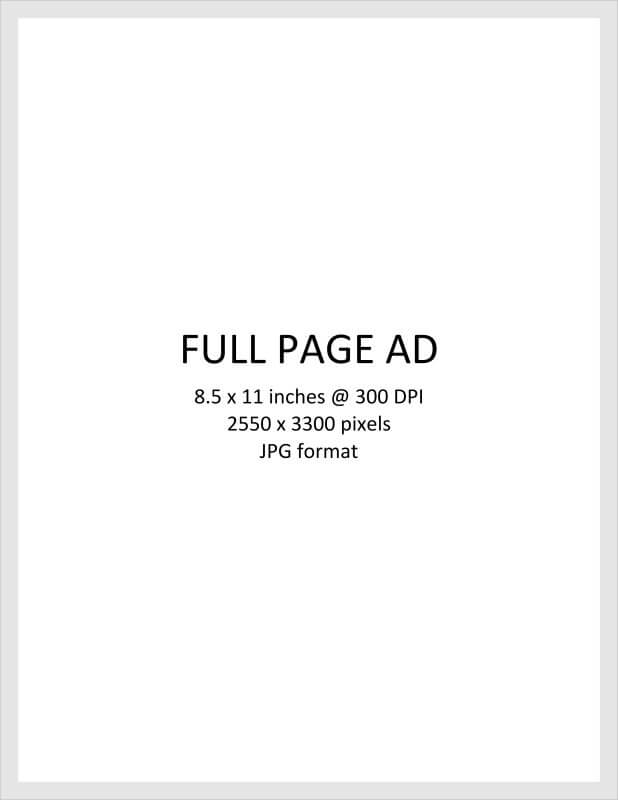 | 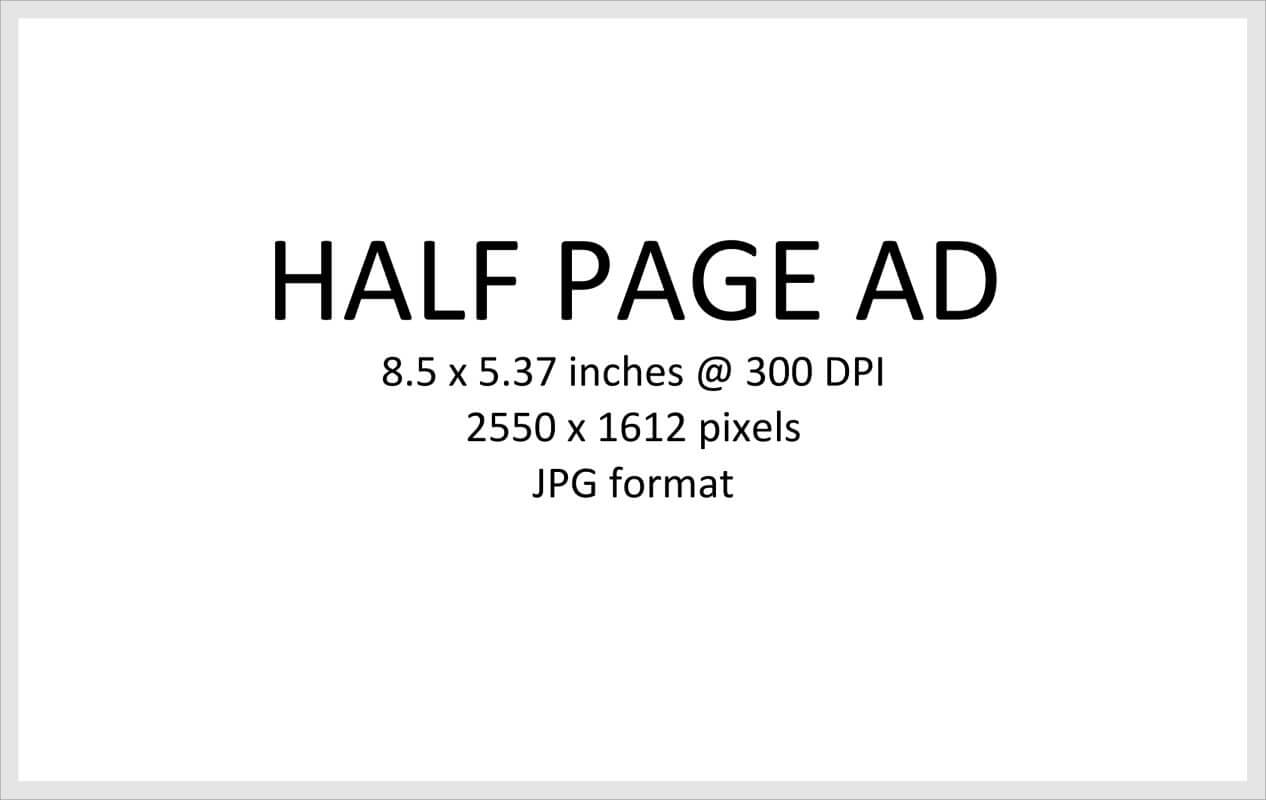 | |


Business Advertising
If local businesses supply premade ads to you, ask them to provide 300 dpi JPG files to your team, with the image file sized to match the space available for their ad in your book. For instance, if you are offering them a half page ad, a 3.5″ x 2″ scanned business card will not work in this area without very significant pixelation. If you are offering them a quarter page ad, provide the specs above to guide their ad submission.
If your business sponsor does not have high resolution files, consider requesting their logo and a sample ad, and rebuild it directly in your software using text tools and matching colors. Most ads are simple text & color blocks which can be quickly replicated in a few minutes. The ad will appear more professional and not diminish the quality of your book.
Was this article helpful?
That’s Great!
Thank you for your feedback
Sorry! We couldn't be helpful
Thank you for your feedback
Feedback sent
We appreciate your effort and will try to fix the article